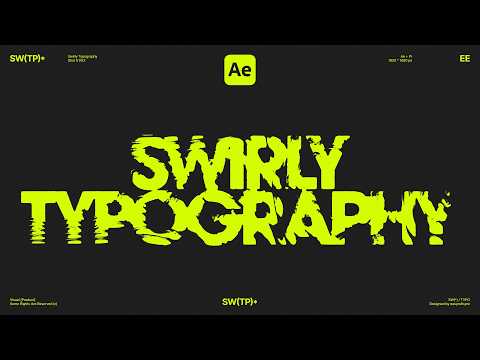
Learn how to create a swirly typography animation in Adobe After Effects in this quick tutorial! You’ll discover a simple technique to make smooth swirling text motion that adds a dynamic look to your typography. Perfect for motion graphics, social media videos, and creative title animations! Download After Effects Templates on EasyEdit Stock - Also this tutorial covers: 1. How to add and combine effects, 2. How to parent values and effects to one another, 3. How to add keyframes and expressions and much more! If you like our After Effects tutorials, share your like and hit subscribe button😊 Visit our website to download over 40K animated video templates for your project - #swirlytypography #aftereffectstutorial #aftereffects